Features
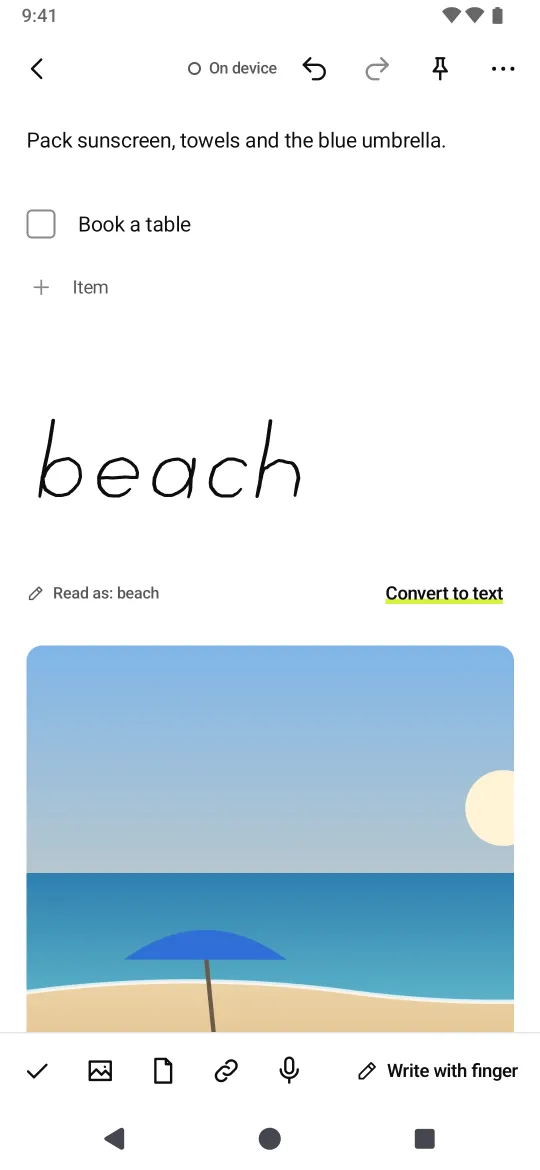
- All on one pageWrite with a pen, type with a keyboard, no mode button.
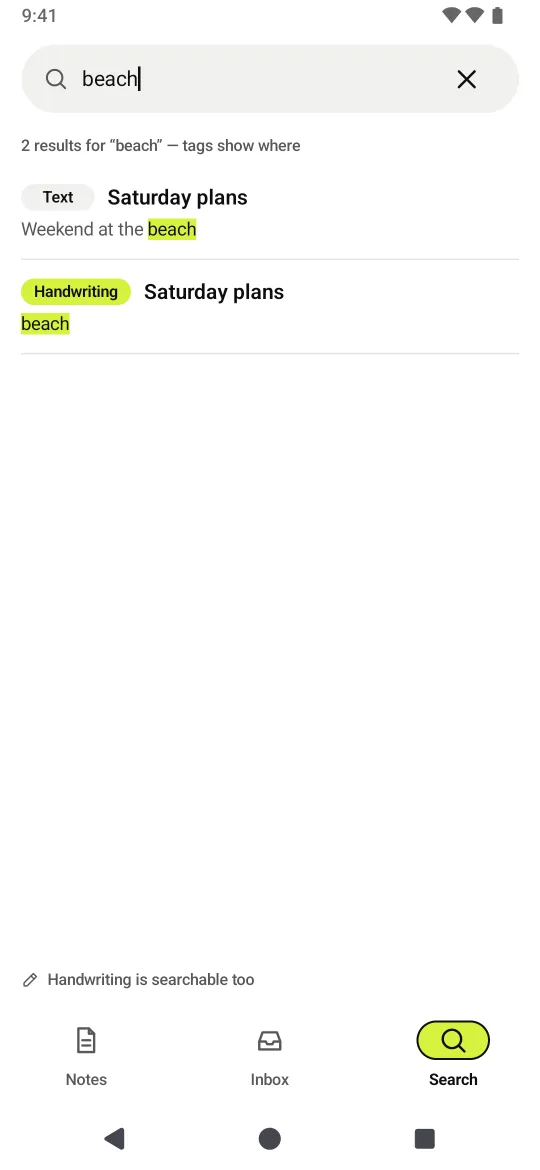
- Search your handwritingRecognized on your device.
- Write on photos & PDFsDrop them in and mark them up.
- Record while writingLectures and meetings, the recording stays in the note.
- Shape snappingPause your pen and lines, circles and boxes straighten out. “Undo” puts it back.
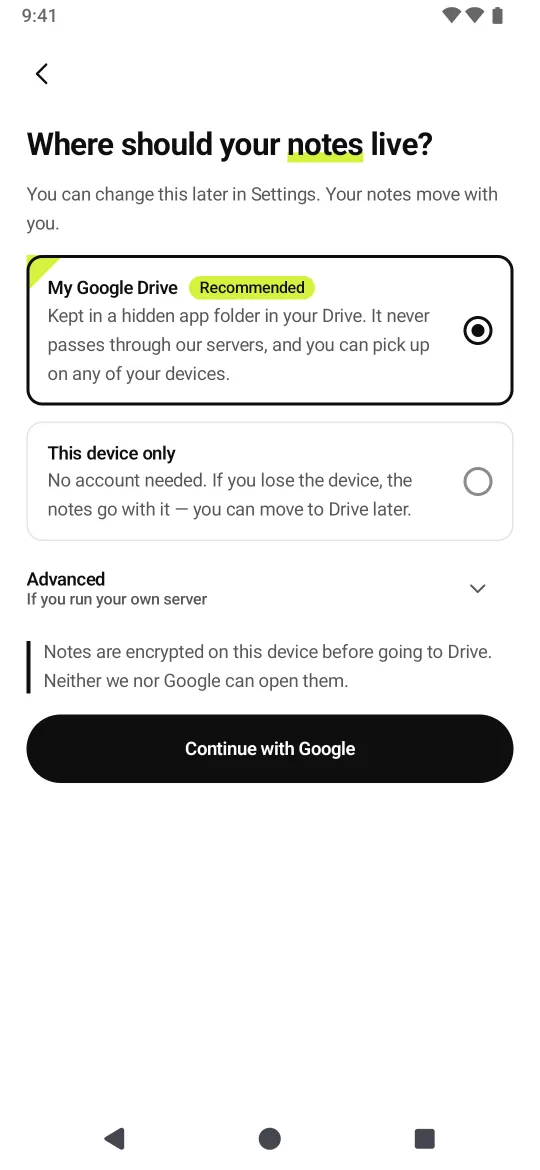
- Locked in your DriveNotes are encrypted on your device and saved to an app-only folder in your Google Drive. Neither we nor Google can read them.
FAQ
Are my notes stored on your servers?
No. They live on your device and, if you choose, in a hidden app-only folder in your Google Drive. We can't see your other Drive files.
What if I lose my 24-word recovery key?
Your notes open only with that key, and we can't open them for you. Write it down somewhere safe when you get it.
Can I use it on a PC?
Yes, view your Drive notes at mnote.ssrr.app.
Does handwriting recognition need the internet?
Only once, to download the model. After that it runs on your device; your writing and notes are never sent.
Support
Stuck or spotted something? Email help@ssrr.app — we usually reply within 2 business days.
Delete your data
Mnote doesn't create an account on our servers. Your notes live only on your device and in your Google Drive, so that's where you delete them.
- In the app
- Settings › Delete account & data — removes notes on the device and the Drive app folder.
- Without the app
- Google Drive (web) › Settings › Manage apps › Mnote › “Delete hidden app data”, then “Disconnect from Drive”.
- Uninstalling the app removes on-device notes.
- If you used a home server (advanced), ask that server's operator.
- Pro purchase records stay with Google Play so you can restore them.
- Need help? help@ssrr.app